Docs › Automation
TaskMaster and Calendar
Queue work with success criteria, run task families in sequence or in parallel, and schedule jobs on a local calendar.
Open Taskmaster from the activity bar. You can also dock it into the editor area. It has four tabs:
| Tab | What it's for |
|---|---|
| Tasks | Queue work with success criteria. Task families run in sequence or in parallel, and each task runs in its own chat tab. |
| Scheduled | Jobs set to run at a later time. |
| Calendar | A local calendar for important dates and reminders, linked to scheduled jobs. |
| Models | The ordered ladder of models tasks run on. If the primary model fails, the task moves to the alternate. |
Create a task
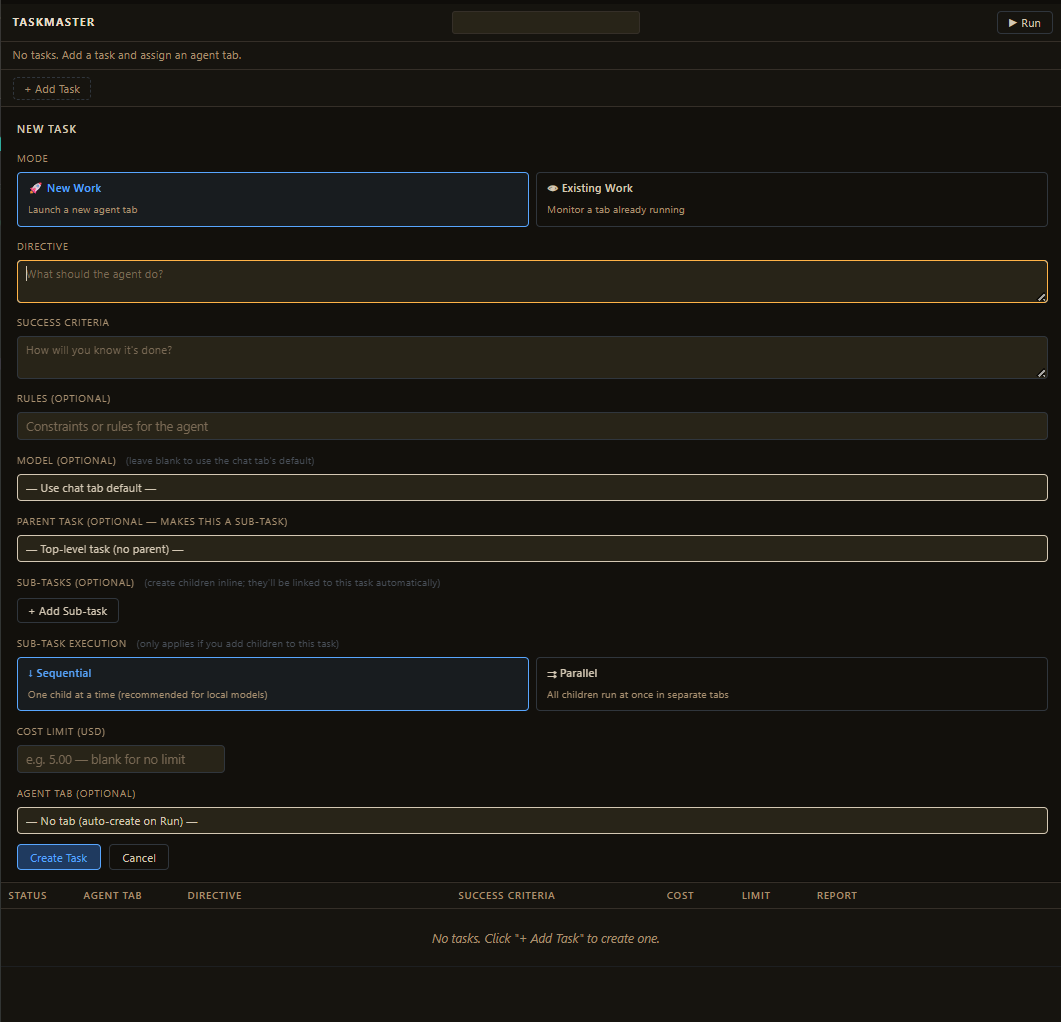
- On the Tasks tab, click + Add Task.
- Write the Directive (what to do) and the Success Criteria (how to judge it done). Rules, a model, a cost limit and a parent task are optional.
- For a family of sub-tasks, choose Sequential or Parallel.
- Click Create Task. Tasks wait in the queue until you press Run.
You can also ask an agent in chat to queue tasks for you.